The fashion studio in your hands.

One garment.
A world
of images.

Create model images, product shots, and lookbooks from a garment photo. Cast the model, choose the scene, and make every frame yours.

Available on iPhone, iPad, Mac, and Android.

Explore the process
ONMODEL / AI fashion studioScroll to discover ↓
ONMODEL-generated editorial image of a model wearing a belted white dress against a pale blue background
Actual ONMODEL image · model look
ONE ACTUAL PRODUCTION CHAIN

Begin with a piece.
Finish with a frame.

One documented ONMODEL run: a sample jacket image, a model preview, a precise revision, and a final render.

AI-created demo image of a dark indigo denim jacket used as the ONMODEL input
01 / Sample garmentAn AI-created demo garment included in the app.
Actual ONMODEL preview of a model wearing the same dark indigo denim jacket
02 / PreviewThe first selected ONMODEL model image.
Actual ONMODEL precision repair result for the denim jacket preview
03 / RepairA localized revision of the preview.
Actual high-resolution ONMODEL final image of the denim jacket on a model
04 / 4K finalNew final generation from the repaired preview.

Demo sample, not a customer upload. The 4K final is a fresh generation guided by the repaired preview, so styling can differ.

Campaign film / ONMODEL

The next image
begins with your eye.

One piece can hold more than one point of view.

Campaign imagery. See real app results below.

THE PROCESS / 01—03

One piece.
More than one frame.

A real ONMODEL sequence built around one graphic hoodie. The print carries through each selected image.

ONMODEL model image showing the front of a black hoodie with an oxblood graphic printActual ONMODEL result
01Cast
ONMODEL model image showing the front of a black hoodie with an oxblood graphic print

Find the face
for your piece.

Choose a model and set the tone for the look. Your garment stays at the center of the frame.

02Frame
ONMODEL model image of the same black graphic hoodie in a seated pose

Change the pose.
Keep the piece.

Explore a different composition of the same design. Build a set instead of settling for a single shot.

03Inspect
Close ONMODEL image of the black hoodie fabric, pocket, and oxblood graphic print

Every detail
still matters.

Review the fabric, print, color, and silhouette. Refine the area that needs another pass before you finish.
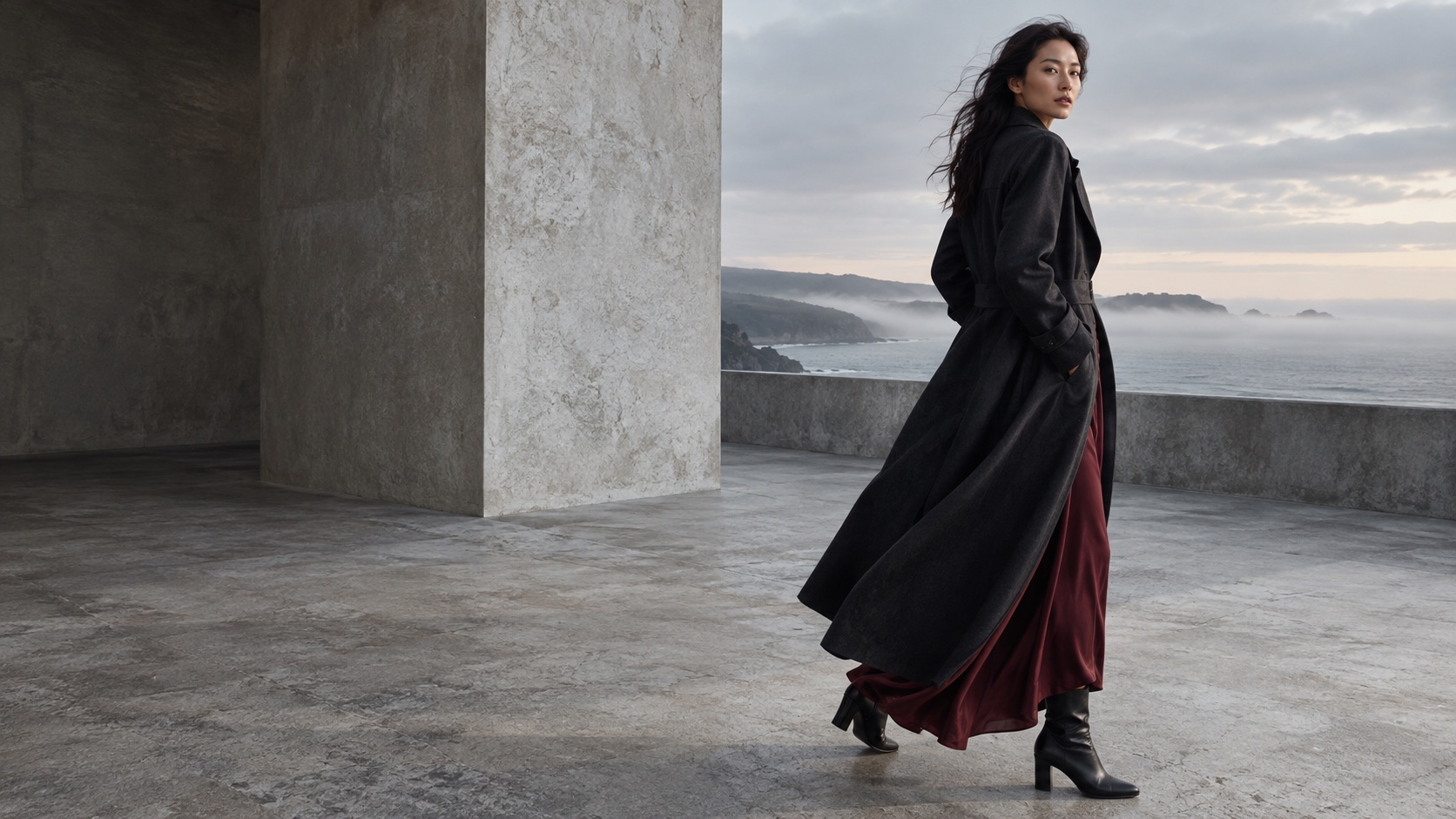
Campaign artwork showing a model in a dark coat beside a misty coast
Campaign artwork / ONMODEL

Direction makes
the difference.

Creative campaign artwork, not an app output
INSIDE THE APP

The tools
behind the look.

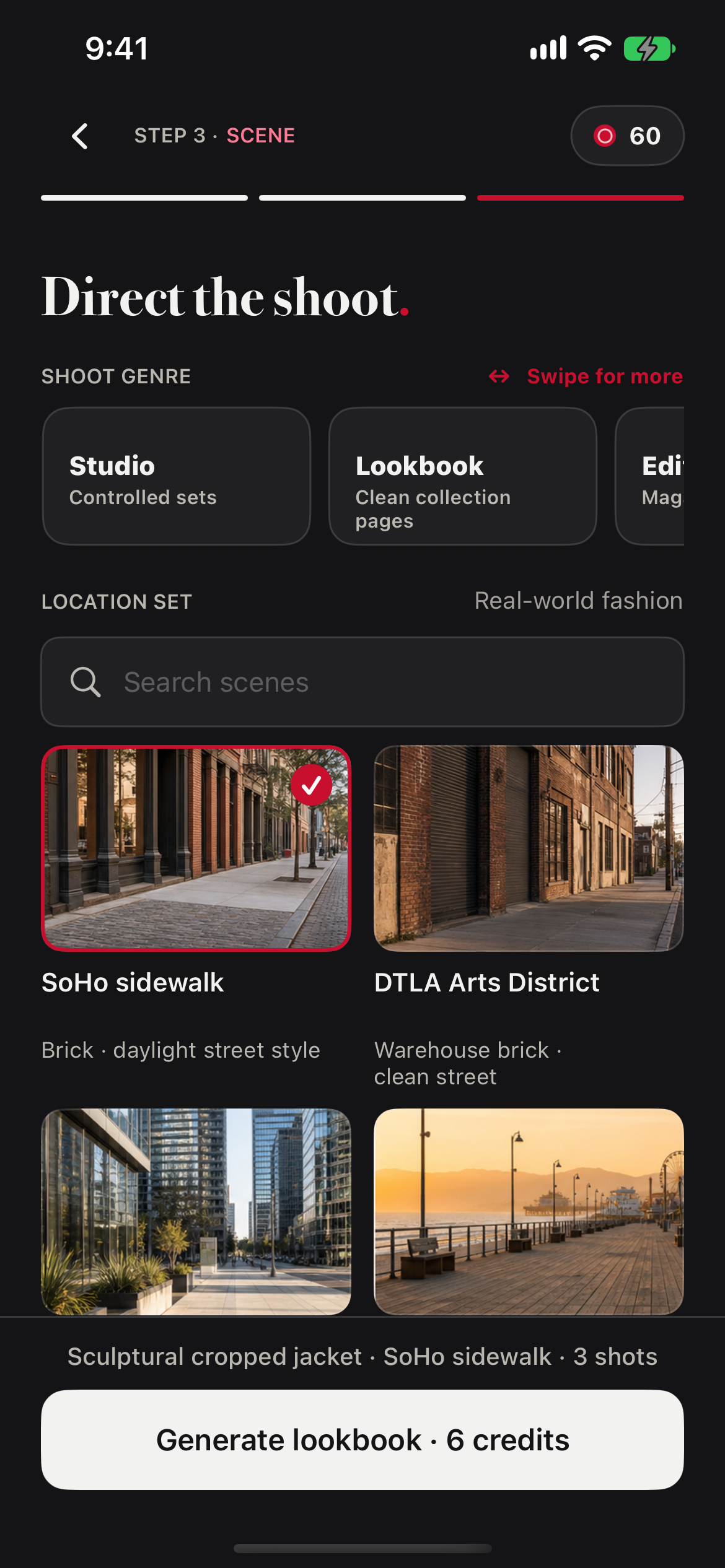
Bring in a garment, choose the cast and setting, then inspect the frames you want to keep. These are screens captured from the real iOS app.

  • 01 Model looks and product-only shots
  • 02 Casting, scenes, and shot direction
  • 03 Detail review and precision repair

iOS 2.1 build preview with sample lookbook content. The public App Store version may differ.
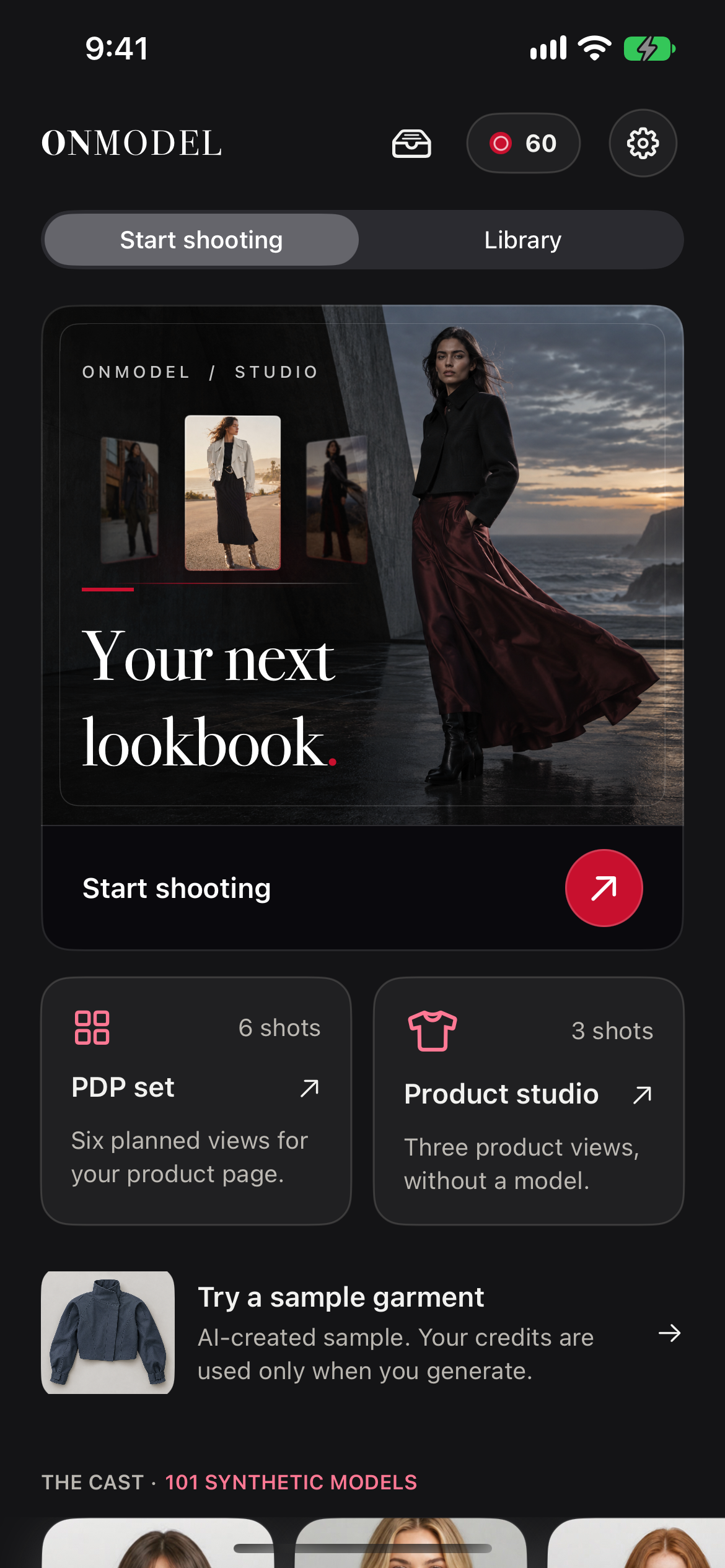
Actual ONMODEL iOS home screen from the 2.1 build
01 / Start a shoot
Actual ONMODEL iOS scene selection screen from the 2.1 build
02 / Direct the scene
THE FINISHING ROOM

Keep the image.
Change the feeling.

Refine a selected frame, explore another color, or shift the light. Your original remains available while you try a new direction.

Actual ONMODEL product image showing the details and texture of a blue patterned hoodie
Product detail / Actual ONMODEL image
01 / FILTERS

A new finish, on device.

Compare free filters with the original and save a separate copy.

02 / AI LIGHTING

Set a different light.

Use the credit-based AI Lighting options when the shot needs another mood.

03 / COLORWAYS

Explore another color.

Choose garment color variants and review the cost before you create them.

Close detail of an ONMODEL-generated graphic hoodie image
Model detail / Actual ONMODEL image
THE RESULT

A set of images.
A story of your own.

Choose your favorite frames, then bring them together as images or a PDF lookbook.

Actual ONMODEL product-only image of a white belted dress
Product view
Actual ONMODEL model look of the same white belted dress
Model look

Two actual ONMODEL outputs of the same garment design.

No source upload photograph is shown.
IN THE APP / EXPORT

Review. Repeat.
Bring it together.

Keep the frames you love, reuse a shot direction, and export the selected collection. The preview below uses verified ONMODEL sample results.
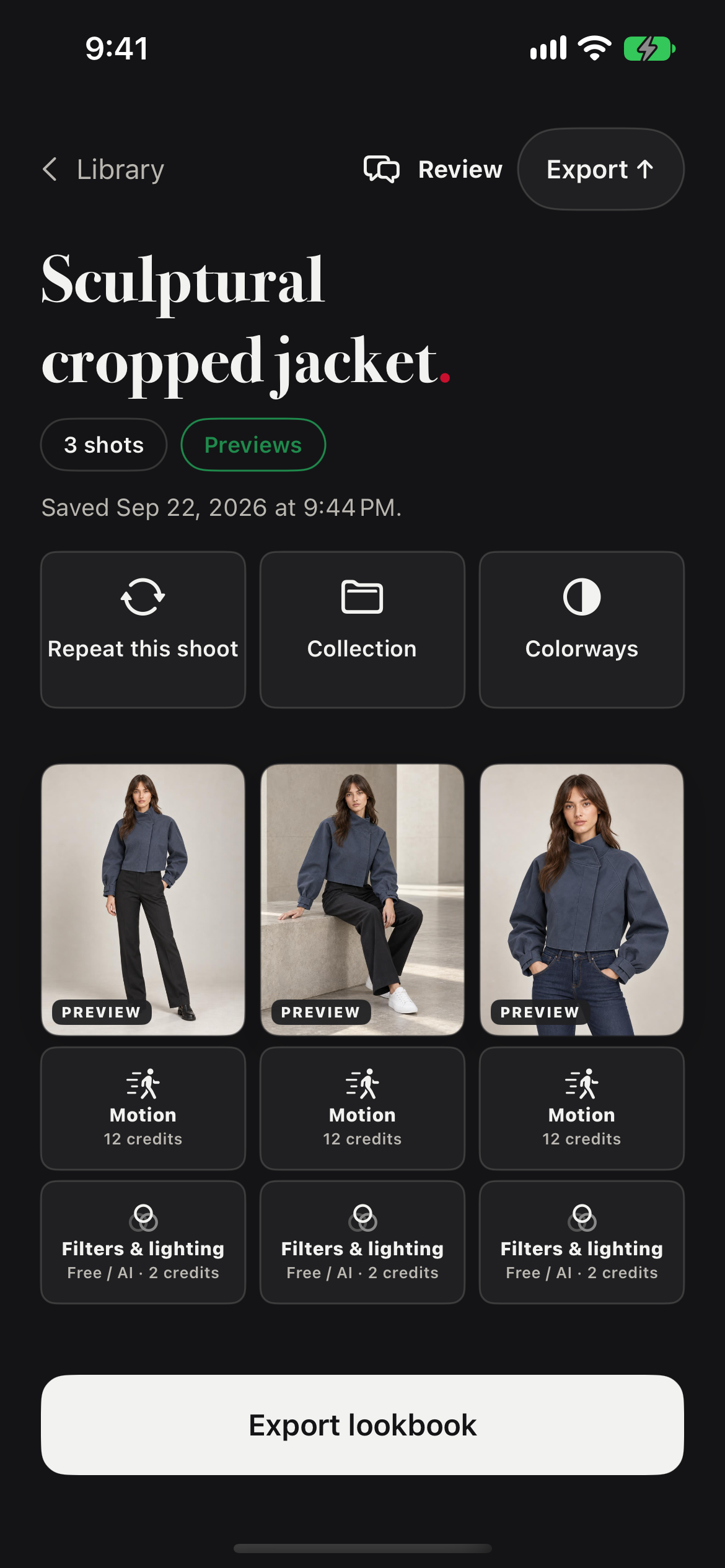
Actual ONMODEL iOS 2.1 sample lookbook screen showing three preview images, repeat shoot, colorways and export controls
Actual iOS 2.1 build capture / sample lookbook
Campaign film / ONMODEL

Keep the details
in motion.

Creative campaign footage. The stills above are actual ONMODEL results.
YOUR NEXT COLLECTION STARTS HERE

Make the next
look yours.

Start with a garment photo. Direct the shoot in ONMODEL.

Available on iPhone, iPad, Mac, and Android.

Mac requires macOS 14.0 or later. Features may vary by platform and app version.